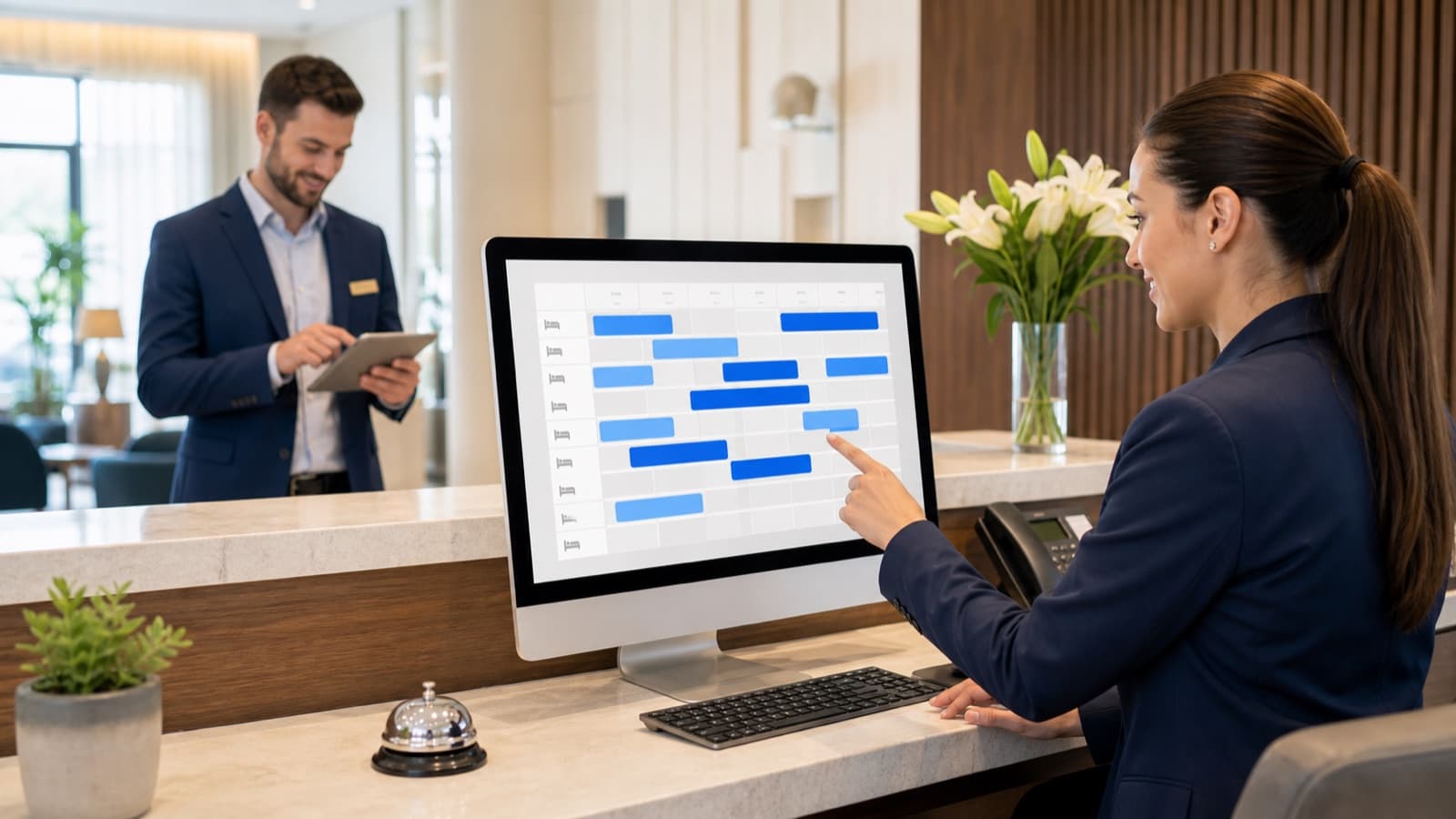
Why Guest Registration Software Belongs in the PMS
Much of the information required for administrative documents is already created during the inquiry, reservation, or check-in process. When this data is maintained separately, it leads to duplicate entry and unnecessary follow-up questions.
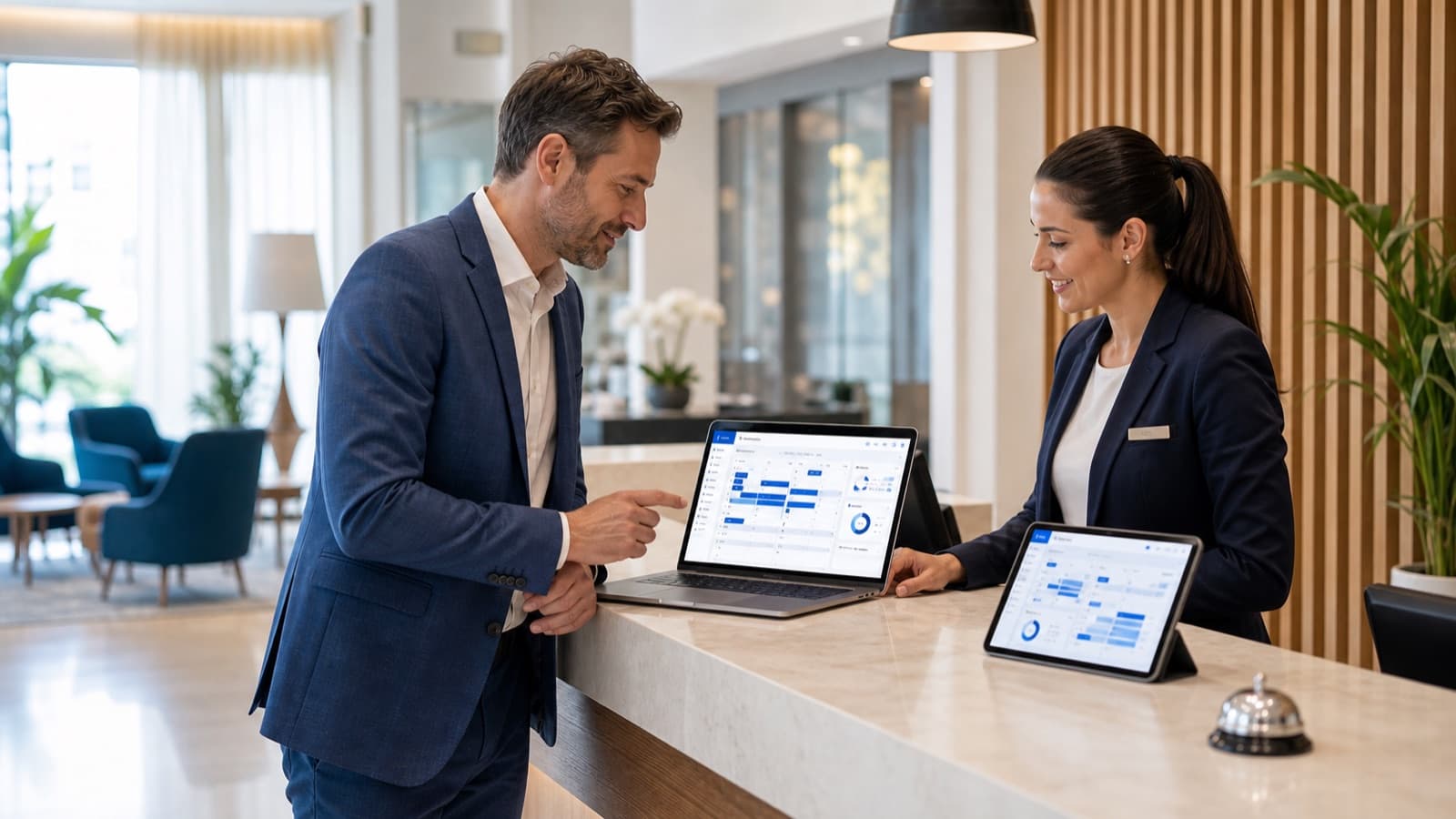
A hotel PMS can support guest registration workflows effectively when guest profiles, reservations, stay details, and documents share the same context.
Capture Guest Data in a Structured Way
A reliable data foundation is essential: names, stay dates, contact information, accompanying guests, notes, and internal comments should be clearly associated with the relevant record.
PMSLogic connects PMSGuest, PMSReservierungen, and PMSDokumente so that administrative steps do not run separately from the actual hotel workflow.
Connect Documents and Billing
Guest registration forms, invoices, confirmations, and other documents should not disappear into loose folders or email threads. The more closely they are connected to the guest and stay, the easier it is for the front desk and administration to provide accurate information.
Properties should always review legal details based on their location and type of operation. The software should provide a clear structure, but it cannot replace individualized legal review.
Why this matters in day-to-day hotel operations
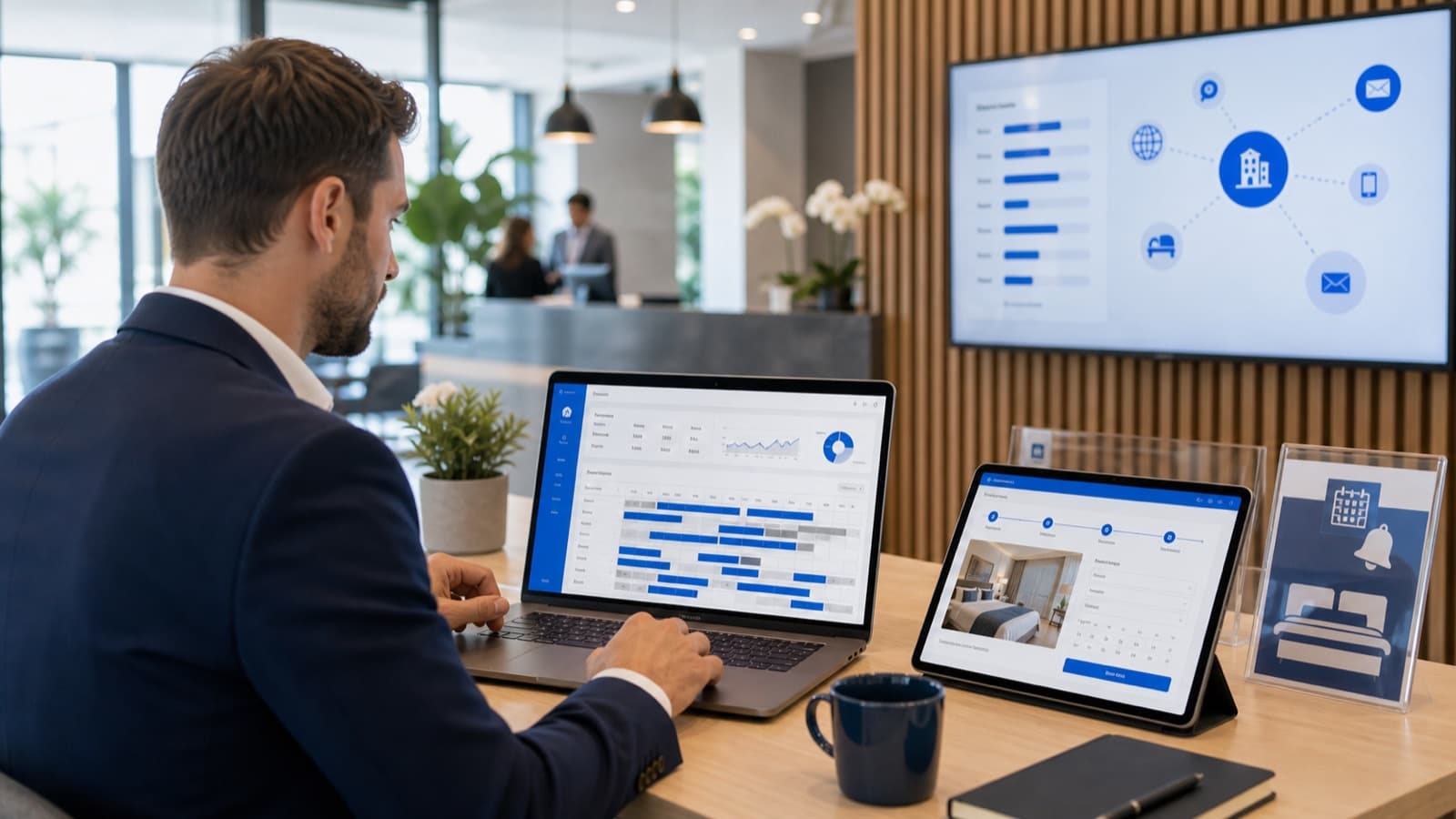
Hotel Guest Registration Software is not an isolated software topic; it is part of daily operations. Reservations, room status, guest data, tasks, invoices, and metrics are closely connected. As soon as information is maintained in more than one place, questions, delays, and errors emerge—and guests quickly notice them.
Hotel Guest Registration Software starts with accurate guest data and ends with reliable profiles, documents, preferences, and stay information. The more consistently this data is maintained, the better teams can communicate, bill, and prepare for the next stay.
That is why Hotel Guest Registration Software should not be judged only by individual features. What matters is whether the software connects recurring processes so teams spend less time searching and updating information and can make decisions more quickly.
The typical starting point before digitalization
Many hotels do not start from scratch; they start with processes that have grown over time. Some information is held in the existing PMS, while other details live in spreadsheets, email inboxes, messages, paper lists, or the minds of individual employees. This can work while the operation remains small, but it quickly becomes difficult to manage as bookings, channels, or team size increase.
For hotels of every size, the key is for software to simplify day-to-day work instead of adding another interface to an already busy operation. This is when it becomes clear whether processes merely work somehow or are genuinely reliable.
The existing sections of this guide already cover important building blocks such as Why Guest Registration Software Belongs in the PMS, Capture Guest Data in a Structured Way, and Connect Documents and Billing. For a complete guide, however, simply naming these points is not enough. Hotels need to understand how the topics interact in daily work and which decisions follow from them.
Define requirements clearly
Before a hotel selects Hotel Guest Registration Software or revises its existing processes, it should be clear which problems need to be solved. Is the goal less manual work, a better overview, faster handoffs, clear responsibilities, more direct bookings, better reports, or easier onboarding for new employees?
The deciding factor is whether the solution fits the actual operation. Hotels should identify which processes consume time today, where information is missing, and which features the team will use regularly.
A brief current-state review is helpful: Which tasks happen every day? Which information is maintained twice? Where do delays occur? Which data is missing when decisions are made? Which questions repeatedly go to the same team member? The answers create a dependable requirements profile.
A practical checklist for hotels
First, confirm that Hotel Guest Registration Software can be represented clearly in real daily work. A good solution should perform well not only in a presentation but also in real situations: a new booking, a change, a cancellation, an arrival, a room move, an additional service, an invoice, a task handoff, and a report.
Next, review team roles. Who may view data, who may change it, who needs read-only access, and who decides on settings? Clear roles reduce errors and make it easier to onboard new employees in a structured way.
Also review integrations and data quality. A PMS is especially valuable when information does not stop at system boundaries. Rooms, rates, availability, guest data, invoices, and reports should fit together logically.
Finally, review support, implementation, and scalability. Hotels change: new room categories, additional areas, booking channels, locations, or team structures are added. The software should support that development without forcing the operation to reorganize after every change.
Implementation with the team
Even the best software adds little value if the team does not understand why Hotel Guest Registration Software is changing. Implementation should therefore start with clear examples from everyday hotel work. Employees need more than feature training; they need to see how their own workday becomes easier.
A phased approach works well in practice. First, the core processes are configured reliably. Automation, additional reports, optional integrations, or further departments follow later. This keeps implementation manageable and helps the team build confidence in the new processes.
Responsibilities must also be assigned. Who maintains master data, reviews reservations, checks invoices, manages integrations, and collects team feedback? Without clear ownership, the same uncertainty will return later—only in a new system.
Mistakes hotels should avoid
A common mistake is to treat registration-form processes in isolation. Hotels should always review how guest data is collected, checked, stored, and processed further in the PMS; legal requirements must also be assessed for the individual property.
A second mistake is to focus implementation too heavily on the launch date. Success is not simply whether the software goes live; it is whether the team uses it consistently after several weeks. Fine-tuning, training, data maintenance, and feedback sessions are therefore part of the project.
A third mistake is an imprecise data foundation. Incorrect room records, inconsistent guest data, unclear categories, or incomplete services later lead to incorrect reports and avoidable questions. Good preparation saves substantial time after launch.
Metrics and measuring success
Whether Hotel Guest Registration Software genuinely helps should not be measured by instinct alone. Hotels should define what success looks like: fewer manual corrections, faster check-ins, fewer questions, a better room overview, more complete guest data, clearer invoices, or more informative reports.
Qualitative signals matter as well. When new employees are productive sooner, handoffs become calmer, or management questions can be answered without a long search, the value of a structured solution becomes visible in daily work.
For a long-term assessment, processes and data should be reviewed regularly. A PMS is not a one-time project; it is a working tool that should grow with the property. Small improvements to roles, templates, categories, and automation can permanently remove a great deal of friction.
How PMSLogic approaches the topic
PMSLogic treats Hotel Guest Registration Software as part of connected hotel management. The goal is not to place as many individual features as possible next to one another, but to bring reservations, guests, rooms, team tasks, billing, and analysis together in one clear system.
For hotels, this means software should not add complexity to the operation. It should structure information so decisions become easier. That requires clear processes, understandable interfaces, sensible roles, and the ability to expand digital workflows step by step.
When reviewing Hotel Guest Registration Software, hotels should therefore ask more than whether a feature exists. The more important question is whether the feature is understandable, reliable, and practical for the whole team in real hotel operations. That is where software becomes a meaningful advantage.
Frequently asked questions
What Are the Benefits of Guest Registration Software for a Hotel?
It helps hotels prepare guest data, stays, and documents more systematically and connects administrative steps more closely with check-in and PMS workflows.
Does PMSLogic Replace Legal Review of Guest Registration Requirements?
No. PMSLogic can structure processes and data. Hotels should review legal requirements based on their location and type of operation.
How should a hotel prepare for Hotel Guest Registration Software?
The best starting point is a brief process review. Typical daily workflows, the roles involved, current data sources, recurring errors, and specific goals all matter. Together they create a clear basis for selection, a demo, implementation, or optimization.
What role does the PMS play in Hotel Guest Registration Software?
The PMS is the central place where reservations, guests, rooms, tasks, billing, and reports come together. When reviewing Hotel Guest Registration Software, hotels should therefore confirm that the software improves the overall process rather than solving only one isolated task.
How can a hotel recognize a good solution for Hotel Guest Registration Software?
A good solution is easy to understand in daily use, reduces duplicate data entry, creates clear responsibilities, and provides dependable information. It should also fit the size of the operation and grow with future requirements.
When is a demo for Hotel Guest Registration Software worthwhile?
A demo is worthwhile as soon as a hotel wants to review specific processes. It is especially useful before changing the PMS, before digitalizing individual workflows, or when spreadsheets, emails, and manual lists are taking too much time.